Make calls part of your application
Plan inbound, outbound, IVR and transfers around business rules and call events instead of disconnected service steps.

Bring programmable inbound calls, outbound calls, menus and transfers into your application. Connect appointment reminders, voice verification and customer service to existing systems.
Inquiries available · live service not connectedHello, a reminder for your appointment tomorrow at 14:30.
Call flow illustration · no call placedPlan inbound, outbound, IVR and transfers around business rules and call events instead of disconnected service steps.
Use menus and rules for initial routing, then hand complex issues to people with context, availability and outcomes intact.
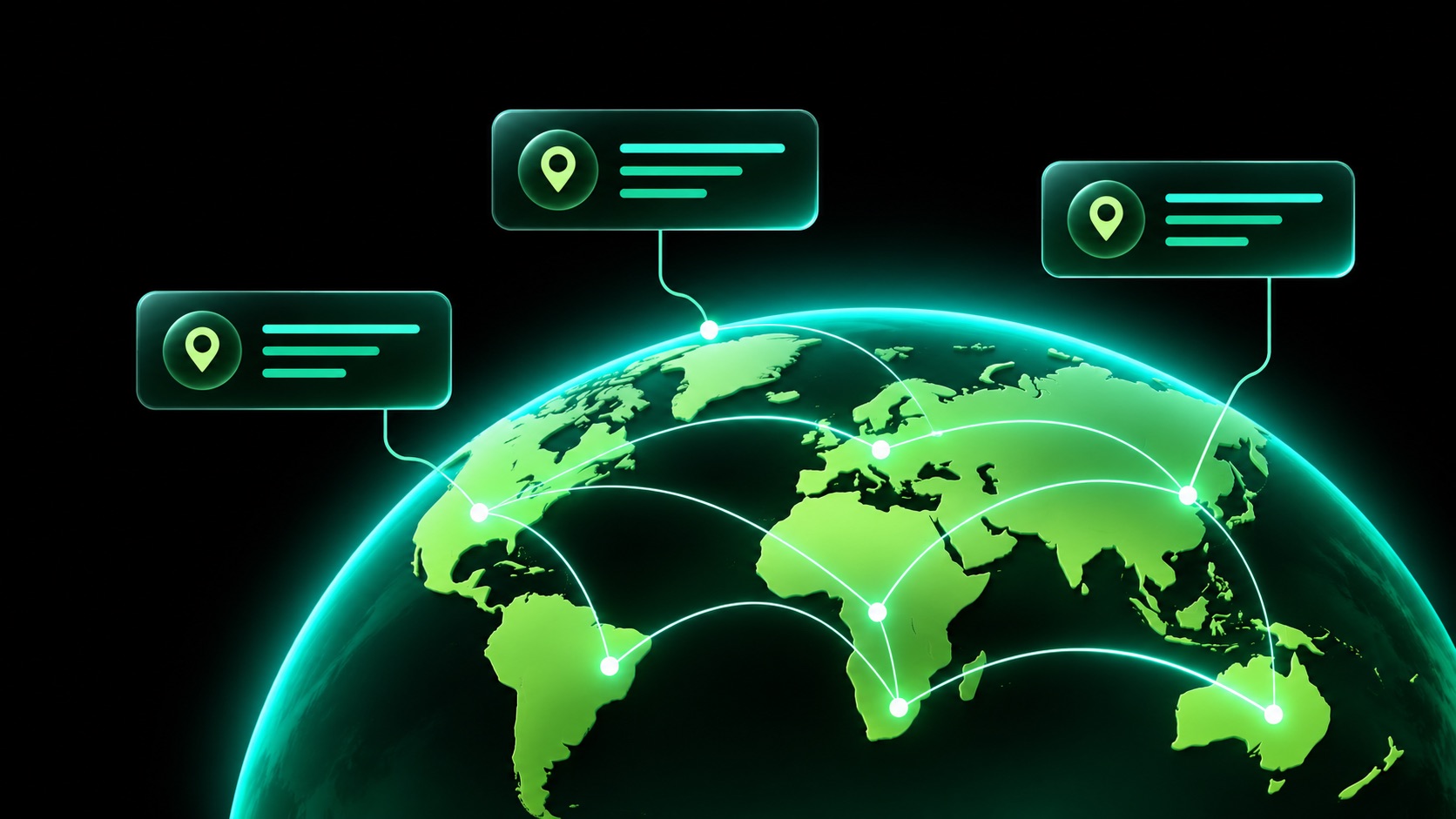
Design contact points by number, market and service hours, then test connection, audio and recovery on target networks.
Design capabilities around your use case. Availability depends on markets, accounts and provider integration requirements.
Organize call initiation, answering and termination around application events.
Route callers with voice prompts and keypad choices.
Design transfers around business hours, caller needs and agent availability.
Plan spoken verification codes, expiry and recovery options.
Assess recording, media streaming and retention requirements for your use case.
Connect call IDs, states and failures to orders or support systems.
 NOTIFY
Link reminders to call outcomes and identify human follow-up. Distinguish missed, answered and confirmed outcomes; an answered call is not a completed confirmation.
 SUPPORT
Route customers to the right team with keypad choices and business rules. Route callers by business hours, customer choices and agent availability.
 CONNECT
Plan an accessible verification channel with clear recovery. Align spoken content, expiry, retries and alternative channels in the verification flow.
 AI + HUMAN
Use menus and business rules for common routing, then hand complex requests to agents. Assess speech recognition, latency, recording and exit controls separately for voice AI.
Hello, a reminder for your appointment tomorrow at 14:30.
Call flow illustration · no call placedConnect business triggers, channel handling, customer actions and feedback so teams know what happens next and who owns it.
A reminder or inbound call starts the flow.
Identify needs through IVR or routing rules.
Connect a team, agent or service flow.
Record call outcomes and follow-up tasks.
Confirm use cases and resources, then validate the complete flow. Expand only after the essentials are proven.
Define use case, markets and existing systems.
Review documentation, configuration and approvals.
Test the happy path, feedback and failure handling.
Use structured fields to discuss business data, callbacks and failure handling, then implement the selected provider’s API.
{
  "channel": "voice",
  "to": "+12025550128",
  "flow_id": "appointment-reminder",
  "events_url": "https://example.invalid/call-events"
}
Illustrative schema, not a live MAXSMS API. example.invalid is a reserved example domain.
Confirm resources, documentation, events and operational ownership before implementation. These details help define scope, budget and next steps.
Inbound/outbound use cases, numbers and service hours
IVR prompts, keypad choices and transfer rules
Call IDs, callbacks and business records
Recording notice, access, retention and failure handling
Consider programmable calls for appointment confirmations, inbound routing and keypad self-service. If you already have a PBX and want to retain its call logic, compare SIP trunking as well.
Define triggers, call direction, language, operating hours, keypad choices and agent transfer, plus ownership for unanswered, busy and failed calls.
Verify number availability, caller-ID authorisation, destinations and call restrictions. Do not assume arbitrary caller-ID changes are allowed; treat emergency calling as a separate requirement.
Test initiation, ringing, answer, hang-up, timeout, keypad input and transfer. Correlate call IDs with orders or tickets; an answered call does not prove the business task was completed.
If recording or transcription is needed, define notice, authorisation, access, retention and deletion before confirming provider capabilities and conditions.
No. Fixed announcements, keypad menus and routing can start with deterministic flows. Evaluate AI, human fallback and accuracy requirements separately for complex conversations.
A Voice API focuses on application-controlled calls; SIP trunking connects an existing PBX or SBC to a telephony network. Choose based on existing systems and control needs, rather than assuming coverage from a product name.
Further reading (official third-party guidance; no partnership or certification implied): Twilio: inbound voice workflows ↗
Voice API programs calls in an application; SIP Trunking connects an existing PBX or contact center. Choose or combine them to match your systems.
No. This page shows workflows and an inquiry form. Live calling requires a provider, numbers and configuration.
Confirm business need, caller notice, access controls and retention before choosing recording and transport options.
Start with markets, use cases, volume and number or account eligibility. Assess registration, resources, channels and implementation separately; actual pricing and scope require confirmation.
Live communications are not connected. Inquiries are saved to the MAXSMS dashboard; interactions, code and message content illustrate product concepts and do not send messages, email or calls.
Tell us about your use case, target markets and expected volume.