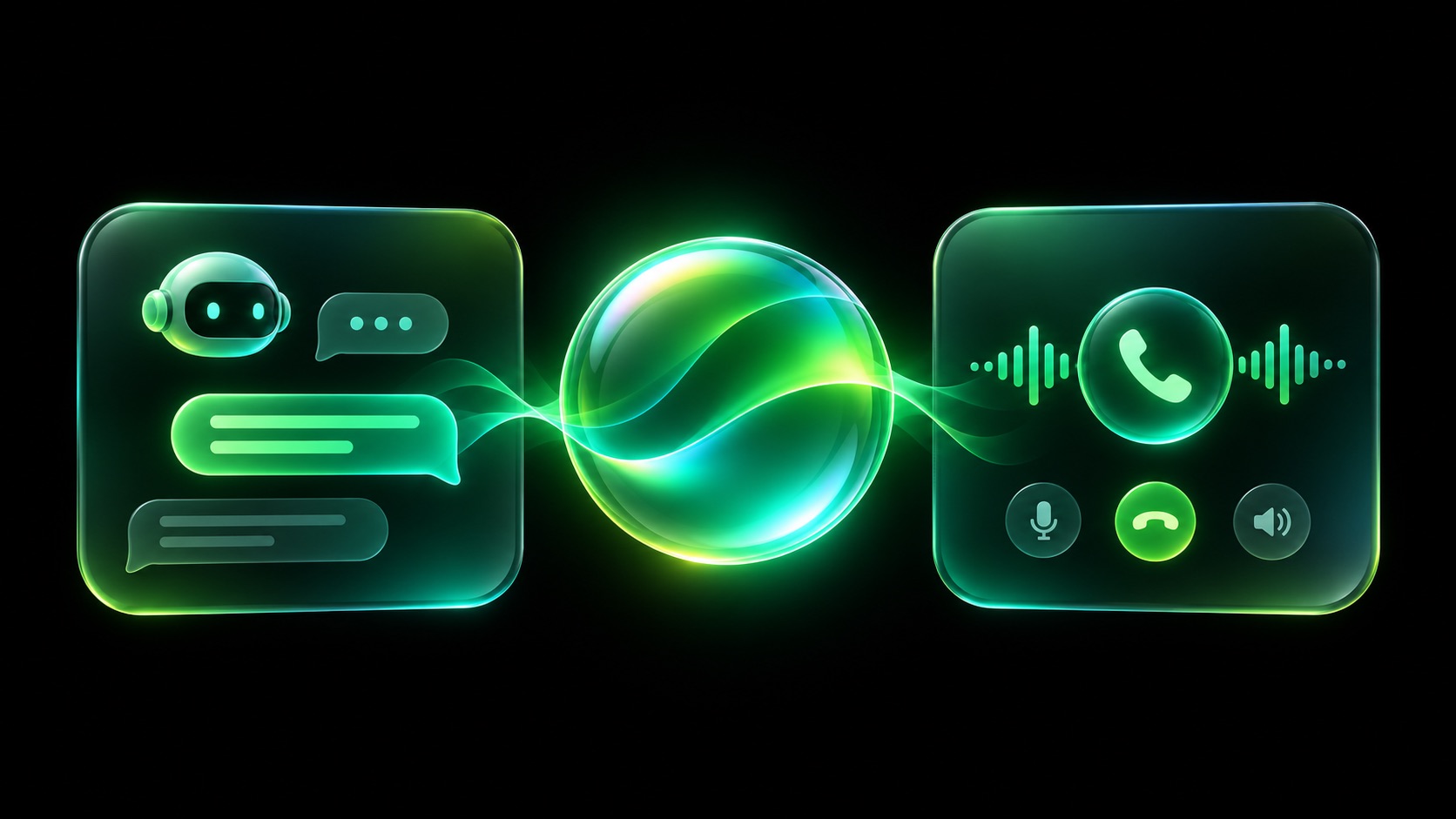
Branded customer touchpoints
Combine identity, icons and service content in a consistent business messaging interface with clear next steps.

Build richer business messaging with brand identity, rich cards, suggested replies and actions. Connect product discovery, order updates and support, with capability checks and channel fallback.
Inquiries available · live service not connectedCombine identity, icons and service content in a consistent business messaging interface with clear next steps.
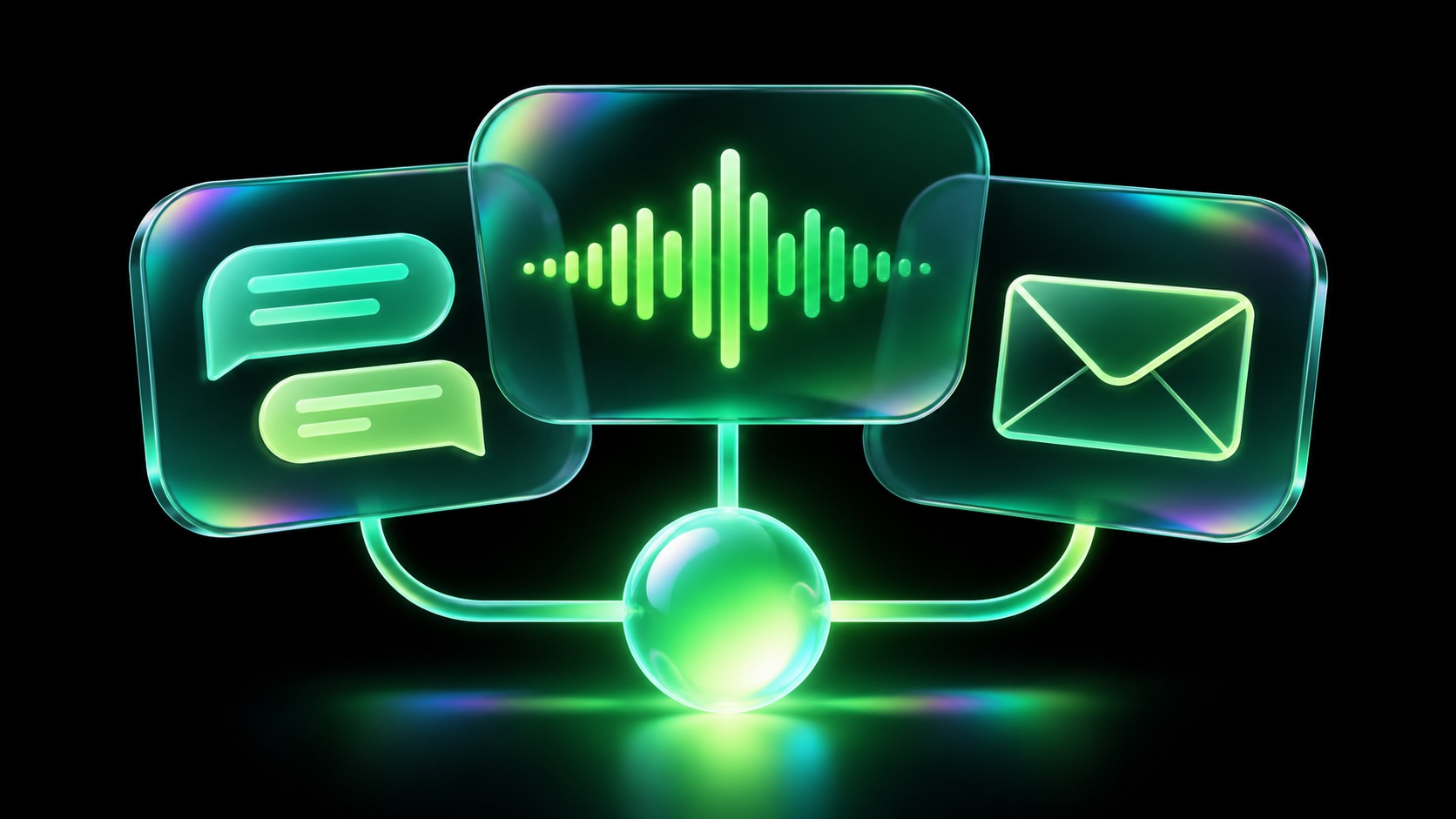
Use rich cards, carousels and suggested replies to shorten the path from information to action.

Check markets and devices, then plan concise alternatives and fallback channels without duplicate outreach.
Design capabilities around your use case. Availability depends on markets, accounts and provider integration requirements.
Plan how business names, icons and brand verification details appear.
Combine images, text and a clear next action.
Organize browsable cards around products or services.
Reduce friction with suggested replies and links.
Review device, client and market support before sending.
Plan alternatives such as SMS around consent and availability.
 NOTIFY
Help customers discover new products with rich content. Organize cards and actions by product theme, including small-screen reading and media fallback.
 SUPPORT
Put order status and the next action in one card. Keep order IDs, status and actions consistent, with events to track next steps.
 CONNECT
Help customers choose a service with suggested replies. Use clear suggested replies without trapping customers in fixed choices.
 AI + HUMAN
Combine suggested replies and business rules to guide queries and choices. Assess AI separately, with human escalation and channel fallback.
Connect business triggers, channel handling, customer actions and feedback so teams know what happens next and who owns it.
Prepare business identity, icons and requirements.
Check devices, messaging clients and markets.
Combine rich cards, actions and replies.
Handle status, customer choices and alternate channels.
Confirm use cases and resources, then validate the complete flow. Expand only after the essentials are proven.
Define use case, markets and existing systems.
Review documentation, configuration and approvals.
Test the happy path, feedback and failure handling.
Use structured fields to discuss business data, callbacks and failure handling, then implement the selected provider’s API.
{
  "channel": "rcs",
  "to": "+12025550128",
  "template_id": "order-update",
  "variables": {
    "order_id": "MX-2048"
  },
  "events_url": "https://example.invalid/message-events"
}
Illustrative schema, not a live MAXSMS API. example.invalid is a reserved example domain.
Confirm resources, documentation, events and operational ownership before implementation. These details help define scope, budget and next steps.
Brand identity, icons and business information
Devices, clients, carriers and destination support
Rich cards, suggested actions and callbacks
Consent, SMS fallback and duplicate-contact controls
RCS suits journeys needing a branded identity, rich cards and interactive actions. Support depends on devices, networks, regions and the launched agent; do not assume every phone is reachable.
Prepare branding, use cases and an authorised contact. Confirm verification, launch regions and carrier requirements with the provider. Agent verification does not establish worldwide availability.
Keep media and copy focused, distinguish suggested replies from actions, and test carousel order, link destinations, mobile layout and understandable alternative text.
Check recipient capability and plan SMS or another consented channel when unsupported. Rewrite rich content so it makes sense as plain text and deduplicate to avoid parallel duplicate delivery.
Record delivery, available read events and button actions according to the provider’s event definitions. Do not apply one channel’s status meanings indiscriminately to others.
Assess fallback needs. Device and carrier support varies; define reachability checks, timeouts and alternative channels for critical notifications.
Reuse the business intent, but design cards, suggested actions and fallback text for the channel and test representative devices.
Further reading (official third-party guidance; no partnership or certification implied): Google: RCS for Business ↗
Here RCS means Rich Communication Services, not the radar term with the same initials.
Support varies by device, OS, messaging client, carrier and market. Check capabilities and plan fallback.
Preserve essential content and actions without relying on images or cards, considering consent, cost and duplicate outreach.
Start with markets, use cases, volume and number or account eligibility. Assess registration, resources, channels and implementation separately; actual pricing and scope require confirmation.
Live communications are not connected. Inquiries are saved to the MAXSMS dashboard; interactions, code and message content illustrate product concepts and do not send messages, email or calls.
Tell us about your use case, target markets and expected volume.